
STOP BURNING MONEY ON INEFFICIENT MIGRATIONS
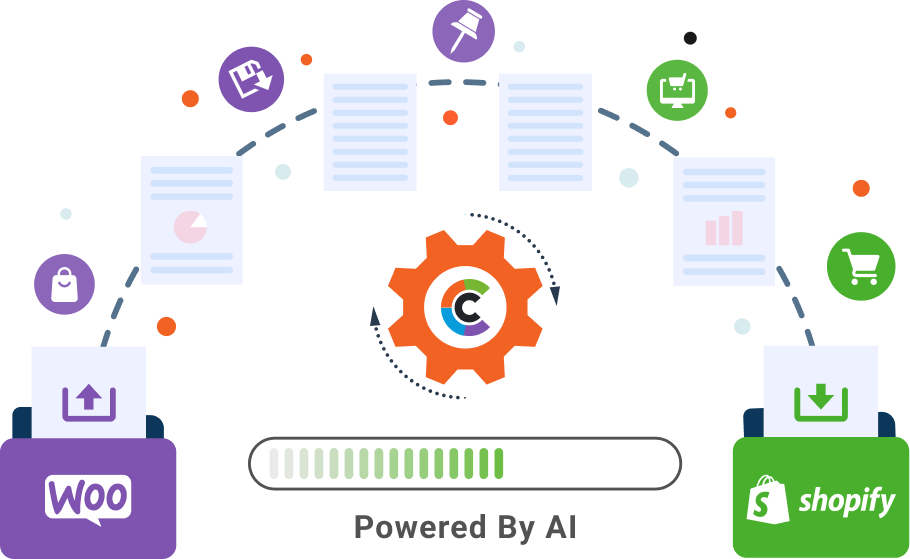
WooCommerce to Shopify Migration — AI-Powered, Zero Downtime



Years in The Industry
Successful Migrations
Certified Professionals
Accuracy in Migration

 Requires technical knowledge for setup and maintenance. Complex extension configurations and manual updates. Requires separate hosting and security management. Limited SEO features, requiring manual optimization. Needs manual scaling efforts as your business grows. More complicated and time-consuming setup process. Hidden costs for hosting, security, and maintenance.
 User-friendly interface with no technical expertise needed. Robust app marketplace with easy installation and seamless integration. Built-in hosting and top-tier security included. Advanced SEO tools built-in for automated optimization and higher rankings. Automatically scales to handle growing traffic and product catalogs. Quick and easy setup with user-friendly templates and features. All-inclusive pricing for hosting, security, and updates, simplifying budgeting.

Zero downtime, zero data loss—ensuring a smooth migration process.

Industry-leading practices to safeguard data during every step of migration.

Retain your keyword rankings and organic traffic with stable SEO configurations.

Boost conversions with migration optimized for user experience and performance.

Improved Core Web Vitals for lightning-fast loading times.

Fully tailored migration to meet your unique business needs

Enjoy 3 months of free post-migration support, ensuring everything runs smoothly after the transition.

Maximize conversions with two rounds of design tests, creating a storefront that resonates with your audience.

Save 20% on your WooCommerce to Shopify migration costs — the same high-quality, full-service migration at a price your budget will thank you for.

Jumpstart your growth with one month of free marketing on your preferred channel, helping you gain traction post-migration.


















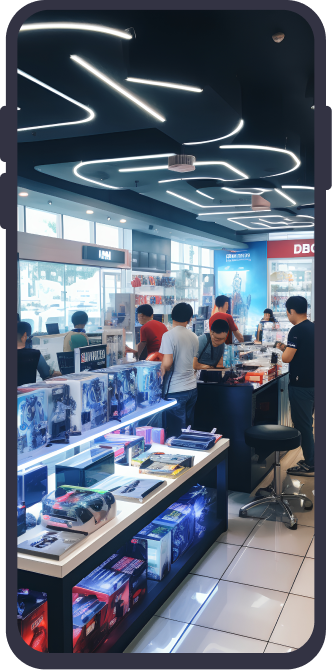
A B2B tech retailer specializing in cutting-edge gadgets and accessories. Struggled with WooCommerce’s limited scalability and integration capabilities, hindering growth and customer satisfaction.

A leading retailer of modern and classic furniture pieces for home and office spaces dealt with WooCommerce’s limited customization options and slow website performance, impacting user experience and online sales growth.
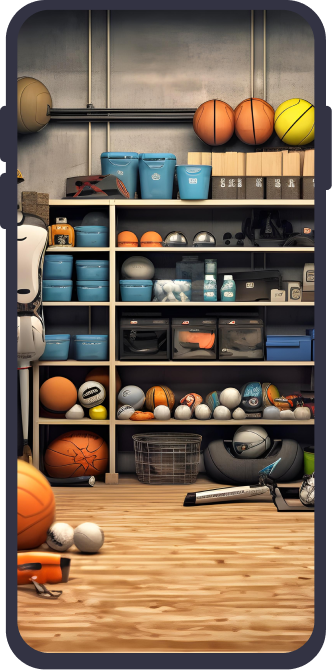
A leading sports equipment retailer catering to athletes and sports enthusiasts faced scalability issues and slow performance with WooCommerce. This hindered online sales growth and customer satisfaction.








If your WooCommerce-to-Shopify migration is executed with URL mapping, 301 redirects, and metadata parity, you can usually retain most of your organic performance.
Key requirements:
What causes traffic loss most often:
A proper WooCommerce to Shopify migration — handled by an experienced agency — typically includes:
Must migrate
Usually NOT migrated (or migrated differently)
Expert tip: Build a data mapping sheet before touching production.
Handling WooCommerce product attributes correctly is where most WooCommerce to Shopify migrations succeed or break.
Best-practice approach:
Avoid:
Sometimes partially, but not always.
What you can do:
Goal: minimize change where it matters, redirect the rest with zero gaps.
Subscriptions don’t “lift-and-shift” cleanly because billing tokens, gateways, and app architectures differ.
Best-practice:
Critical: confirm how card tokens are handled—many gateways won’t allow direct token transfer.
Reviews are a conversion asset and an authority signal—treat them like structured content.
Expert approach:
Also: preserve “review snippet” SERP equity by keeping product relevance + redirects tight.
Tracking breaks are one of the most expensive “silent failures.”
Recommended migration tracking plan:
Deliverable you should demand: a tracking QA checklist + test orders log.
A professional cutover is staged, not “big bang.”
Standard approach:
Ask your vendor for a “go-live runbook” with rollback criteria.
The biggest hidden risks in a WooCommerce to Shopify migration are rarely about data import — they’re operational mismatches that surface post-launch.
Common hidden risks:
Mitigation: do a feature parity audit and decide what to rebuild vs simplify.
WooCommerce-to-Shopify migration costs require accurate scoping—not guesswork. Here is what drives complexity and timeline:
Cost/timeline typically depends on:
A strong agency will give you: